How to Download Yupoo Albums
A simple, step-by-step guide to download any Yupoo album in seconds — including password-protected albums — with every photo in original resolution, packed into a single ZIP.
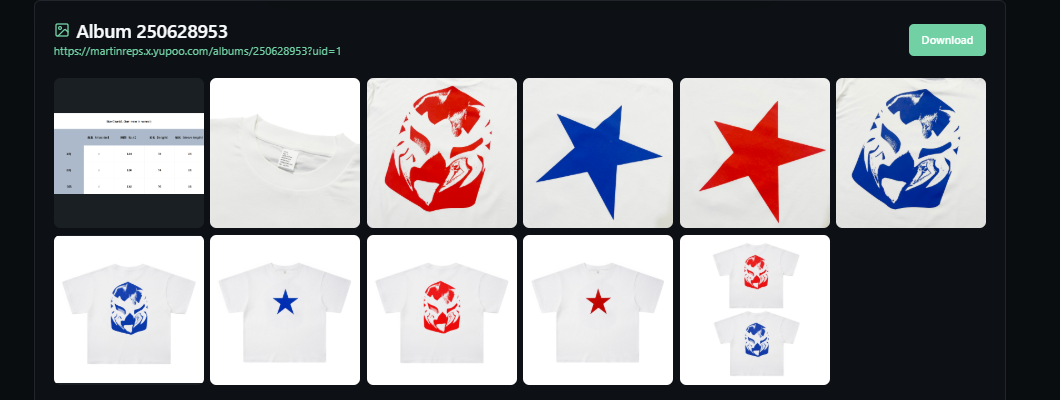
What is Yupoo?
Yupoo is a Chinese image-hosting platform widely used by sellers and suppliers to showcase product catalogs. Each store organizes photos into albums and categories. Because Yupoo has no built-in "download all" button, saving a full album manually means right-clicking every single image — slow and painful for albums with dozens of photos. YuDownloader does it in one click.
How to download a Yupoo album in 3 steps
1. Copy the album link
Open the Yupoo album you want and copy its URL from the address bar — it looks like https://seller.x.yupoo.com/albums/12345678.
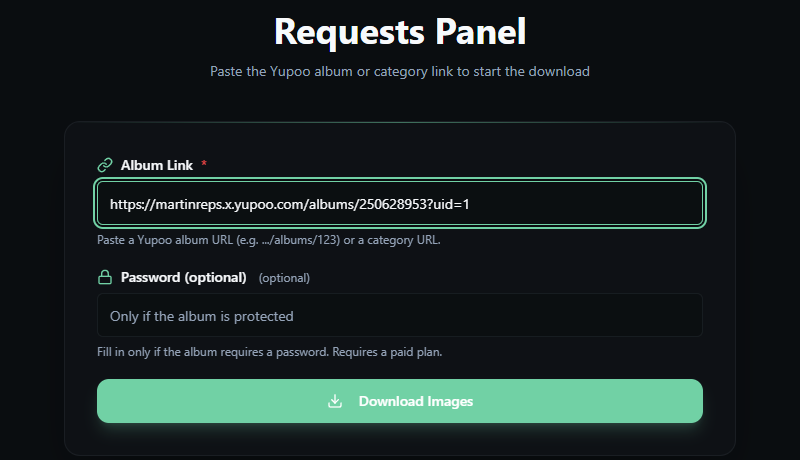
2. Paste it into YuDownloader
Paste the link into YuDownloader. If the album is password-protected, type the password in the password field.
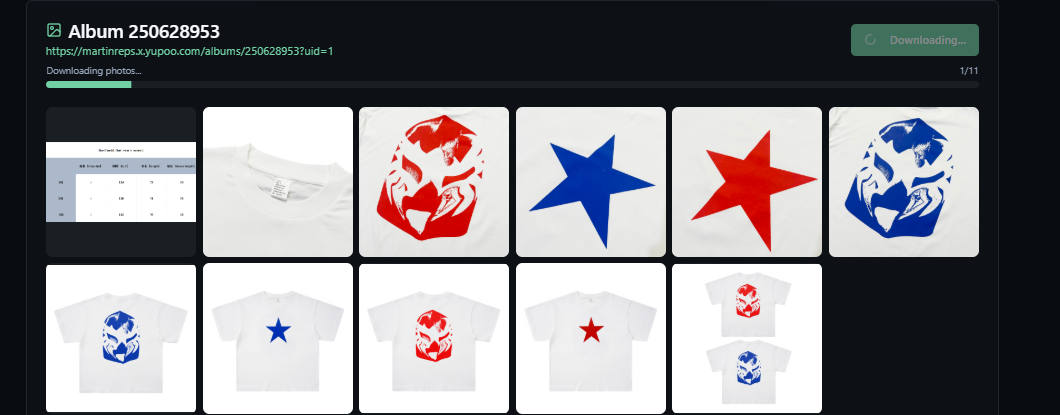
3. Download the ZIP
Click download and get every photo of the album in original resolution, packed into a single ZIP file.
Download password-protected Yupoo albums
Many Yupoo sellers lock their albums behind a password. Most downloaders fail on these. With YuDownloader you simply paste the album link and type the password — the album is unlocked and every photo is downloaded normally, in full resolution. Nothing else to configure.
Why use YuDownloader
- Downloads the entire album into a single ZIP — no manual saving
- Works with password-protected albums
- Original-resolution images, not thumbnails
- Runs in your browser — no software, no extension to install
- Works on Windows, Mac and mobile
Frequently asked questions
How do I download a full Yupoo album?
Copy the album link from Yupoo, paste it into YuDownloader, and click Download. All the photos are packed into a single ZIP file automatically — no software to install.
Can I download a password-protected Yupoo album?
Yes. Paste the album link and enter the album password in the password field. YuDownloader unlocks the album and downloads every photo, just like a public one.
Are the images downloaded in full resolution?
Yes. YuDownloader fetches the original-resolution files, not thumbnails or previews.
Do I need to install anything?
No. YuDownloader runs entirely in your browser — paste the link, click download, and you get the ZIP. It works on Windows, Mac and mobile.
Is it free to use?
You can try YuDownloader for free. Paste a Yupoo album link and download it in seconds.
Ready to download your first album?
Paste a Yupoo album link and get all the photos in seconds.
Download a Yupoo album →Or go back to the homepage.